











































Gaming test
Does your game lag even with fast internet?
Choose a game and check your connection: response time, stability and delay under load in about 30 seconds.
Choose a game ↓Choose a game to start- Measurement
- Browser · to the AWS São Paulo region, not the game server
- Duration
- ~30 s · 15 at idle and 15 under load (uses download bandwidth)
Choose a game to test
Gaming mode
Mbps do not tell you whether a game will lag.
SignallQ looks at what actually affects online matches and gives you a clear answer.
01
Measures what matters
Response time, jitter and delay under load, compared with the threshold for that type of game.
02
Explains the result
“Good for gaming” or “Delays may happen,” backed by the measurement.
03
Shows what to try
Practical steps for the local network or provider, only when the results support them.
Transparency: this is a diagnostic tool, not an internet accelerator. It does not promise lower ping.
Recommended ping and servers by game
Lagcheck lists the expected ping, the nearest server and what to do when lag appears for each game.
- Ping for Valorant
- Ping for Free Fire
- Ping for Fortnite
- Ping for Counter-Strike 2
- Ping for League of Legends
- Ping for Call of Duty Mobile
- Ping for Apex Legends
- Ping for Roblox
- Ping for Minecraft
- Ping for Rocket League
- Ping for PUBG Mobile
- Ping for Warzone
- Ping for Brawl Stars
- Ping for Wild Rift
- Ping for Dota 2
- Ping for EA Sports FC
- View all games
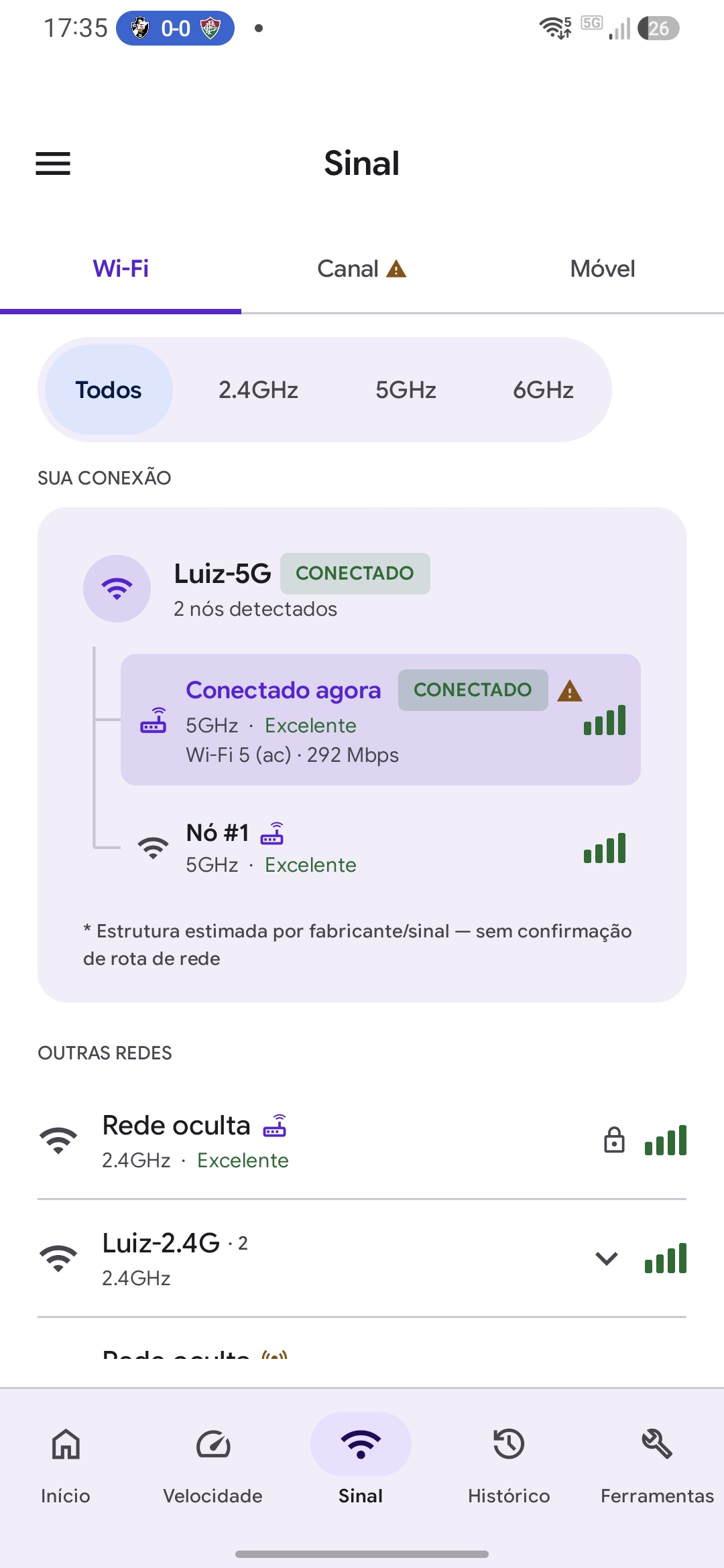
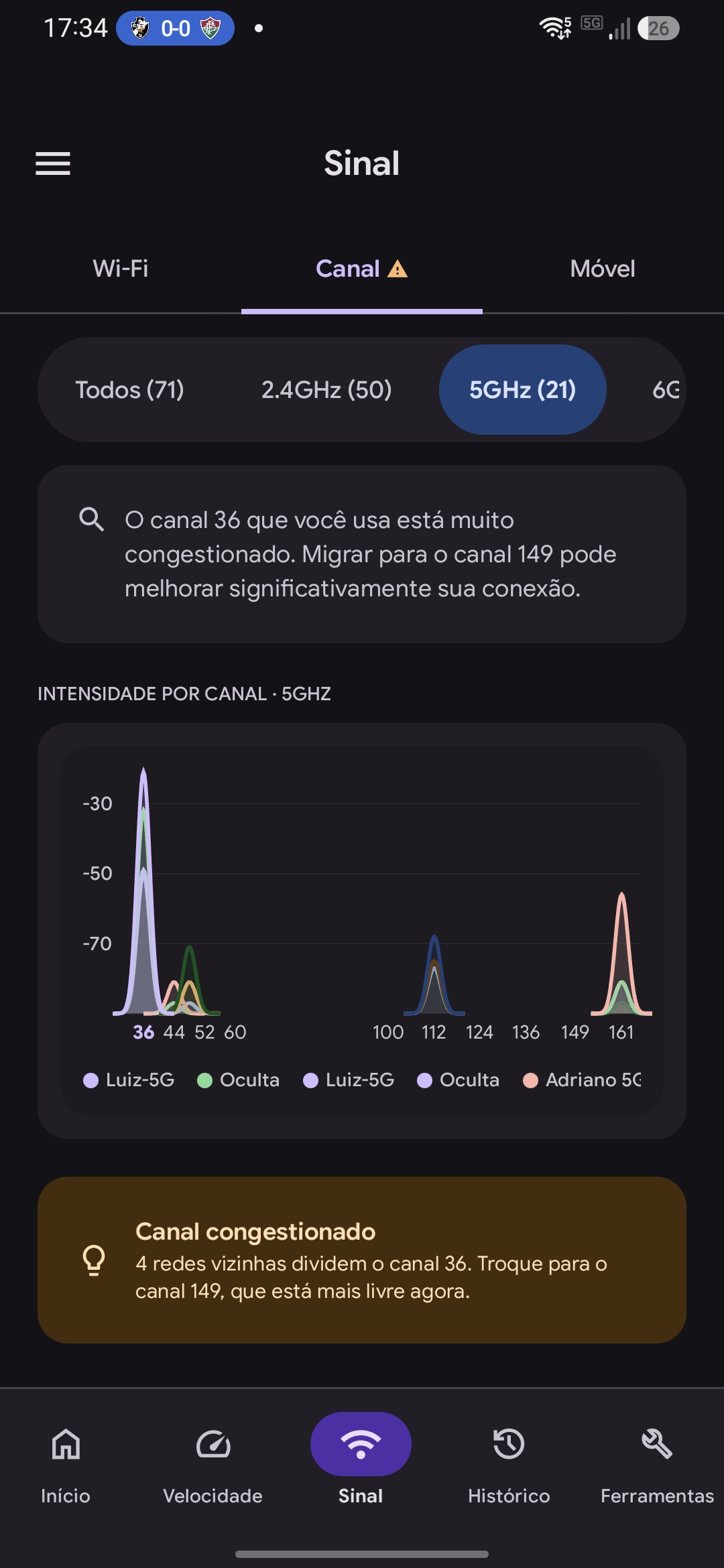
SignallQ for Android
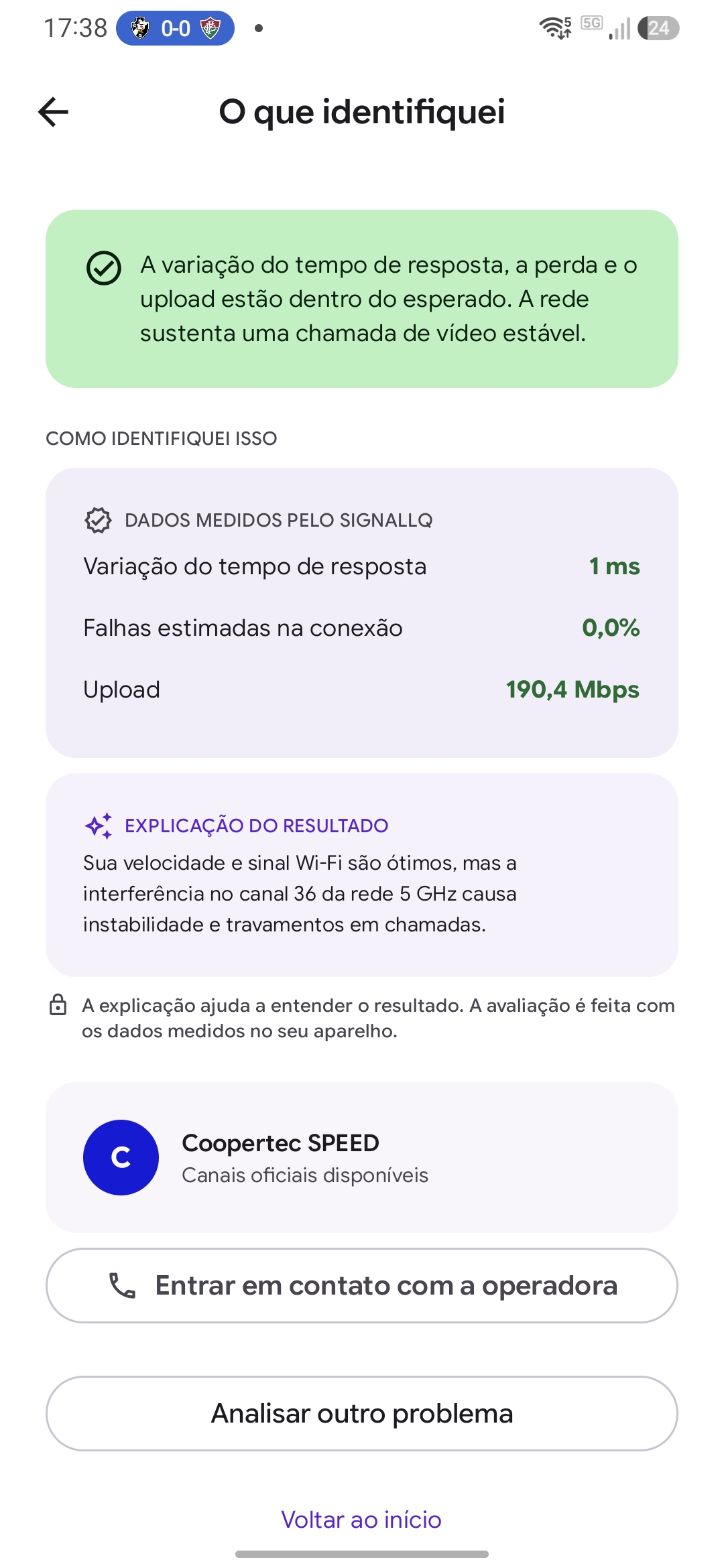
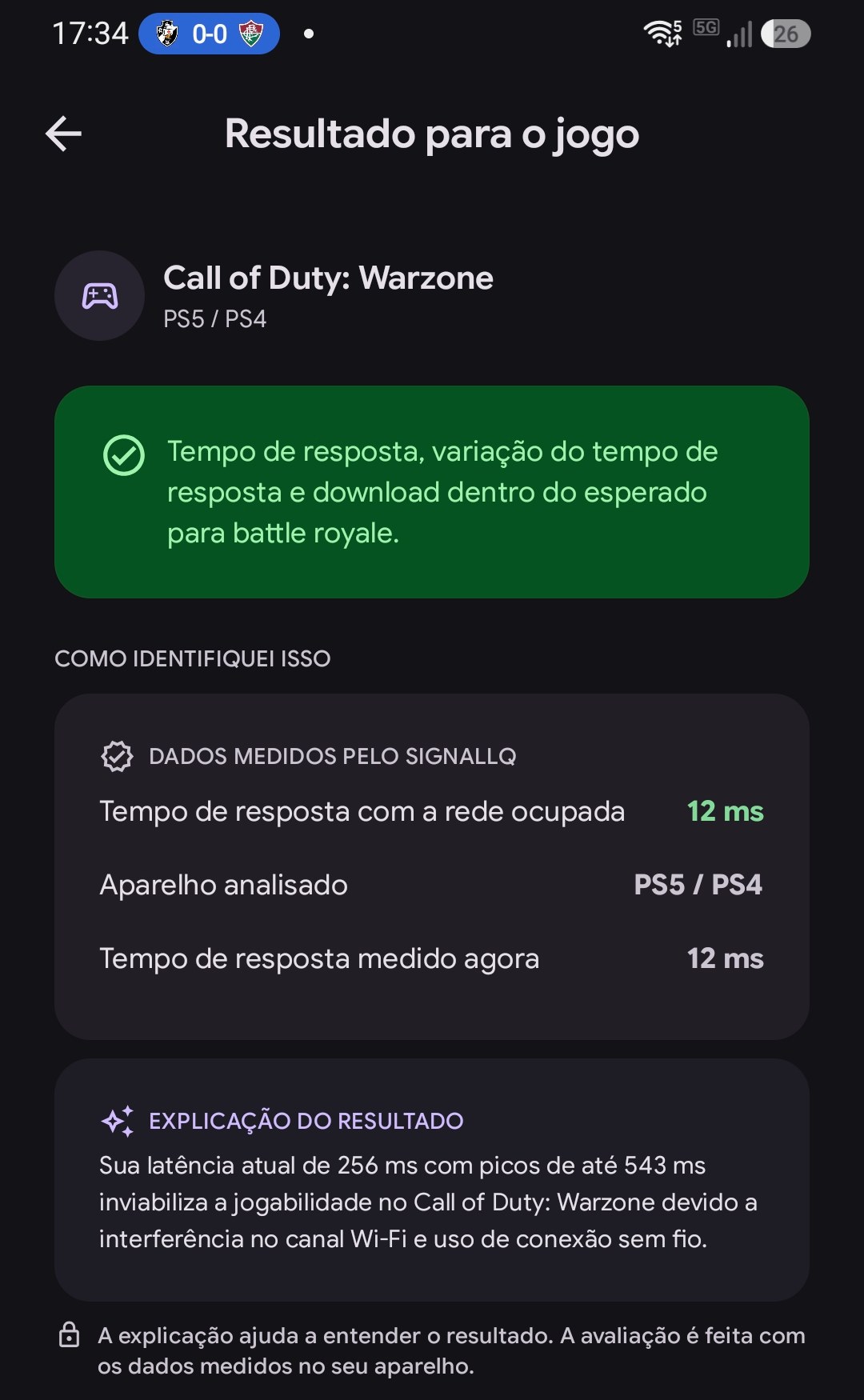
What a browser cannot measure.

Frequently asked questions
Questions about the gaming test
Why is this in the browser instead of the game server?
Browsers measure HTTPS to a regional AWS endpoint. This estimates route stability; it is not the game’s official ping.
What ping is good for gaming?
Up to 30 ms is excellent for FPS games; up to 60 ms works for most games. High jitter can matter more than moderate ping.
Does SignallQ speed up my internet?
No. It diagnoses stability and points to possible causes; it does not promise to lower ping.
What does the app measure in addition?
Actual UDP packet loss, Wi-Fi signal in dBm, nearby channels and the boundary between the local network and provider.