

Speed test
Your internet, measured end to end.
One tap. Download, upload, latency, load and DNS in under 20 seconds.
 Free Android app: signal, channels and diagnostics.
- Network
- Detecting…
- Server
- Detecting…
- Measurement
- Browser · no personal data · how we measure
SignallQ for Android
What a browser cannot measure.
Frequently asked questions
Questions about the speed test
Why can the web test differ from my plan?
This browser test measures the speed reaching this device over Wi-Fi right now. Distance, walls, interference and your device can limit it before your provider plan does.
What is the difference between download and upload?
Download brings data to your device. Upload sends data out, such as video, backups and camera feeds in calls.
What is Bufferbloat?
It is the extra delay that appears when download or upload traffic fills the router queue. Calls and games can then wait behind other traffic.
How does the SignallQ app complement this test?
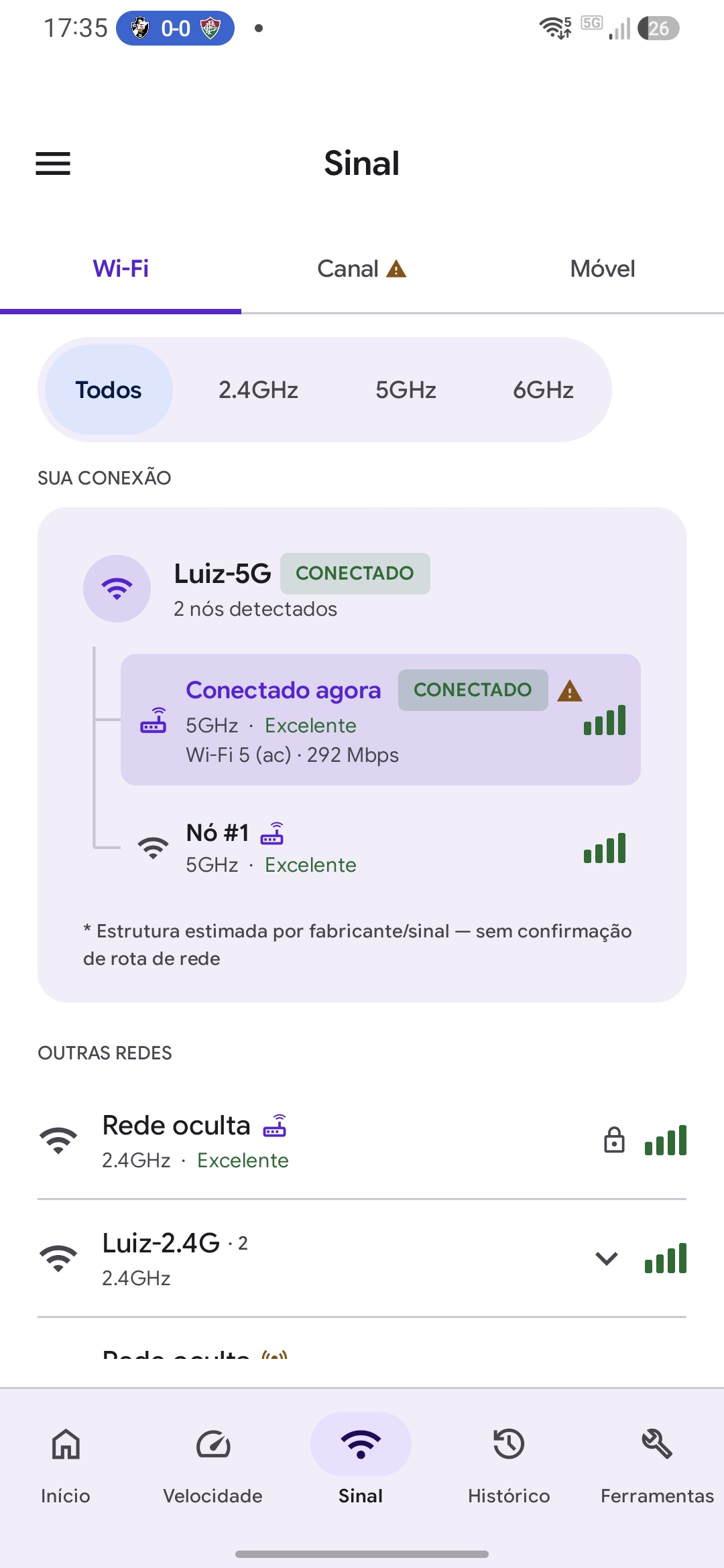
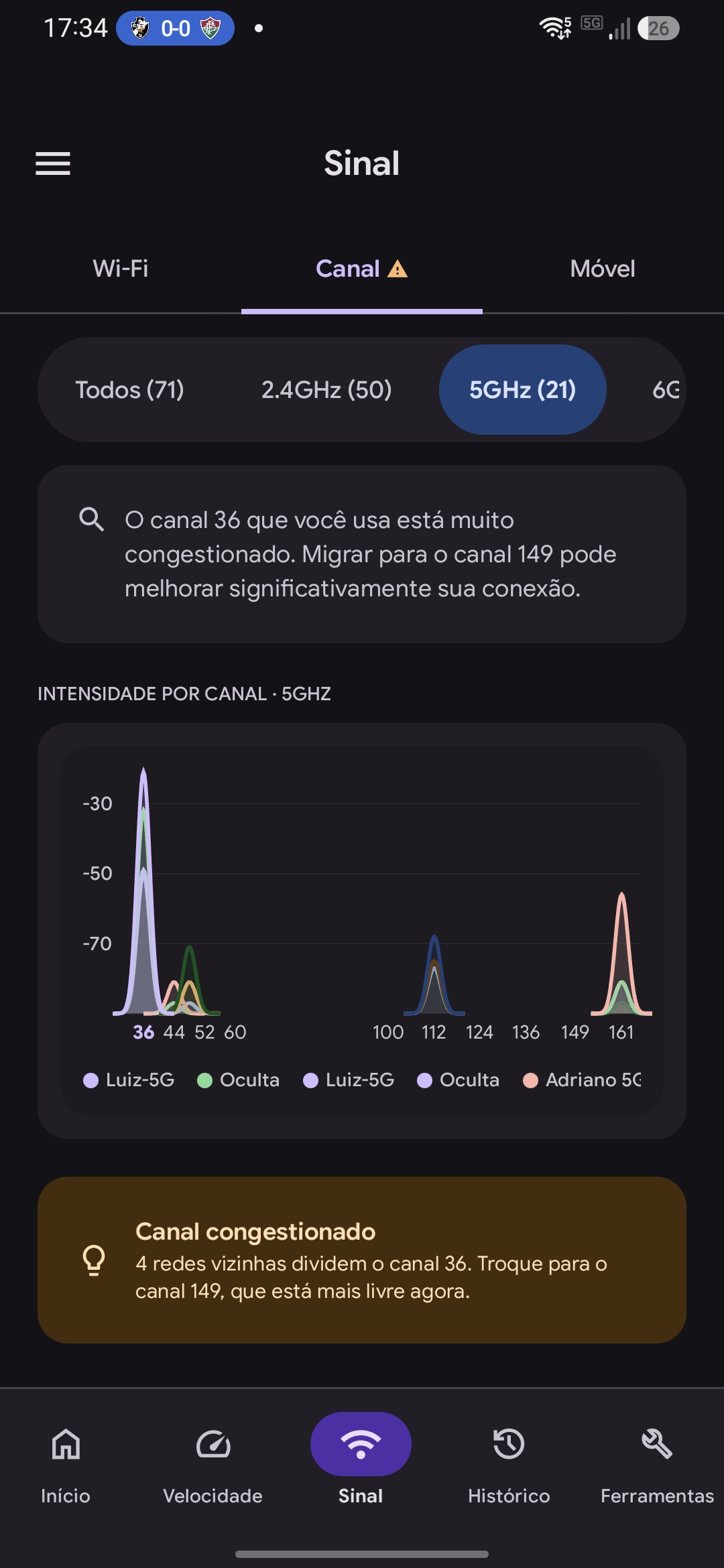
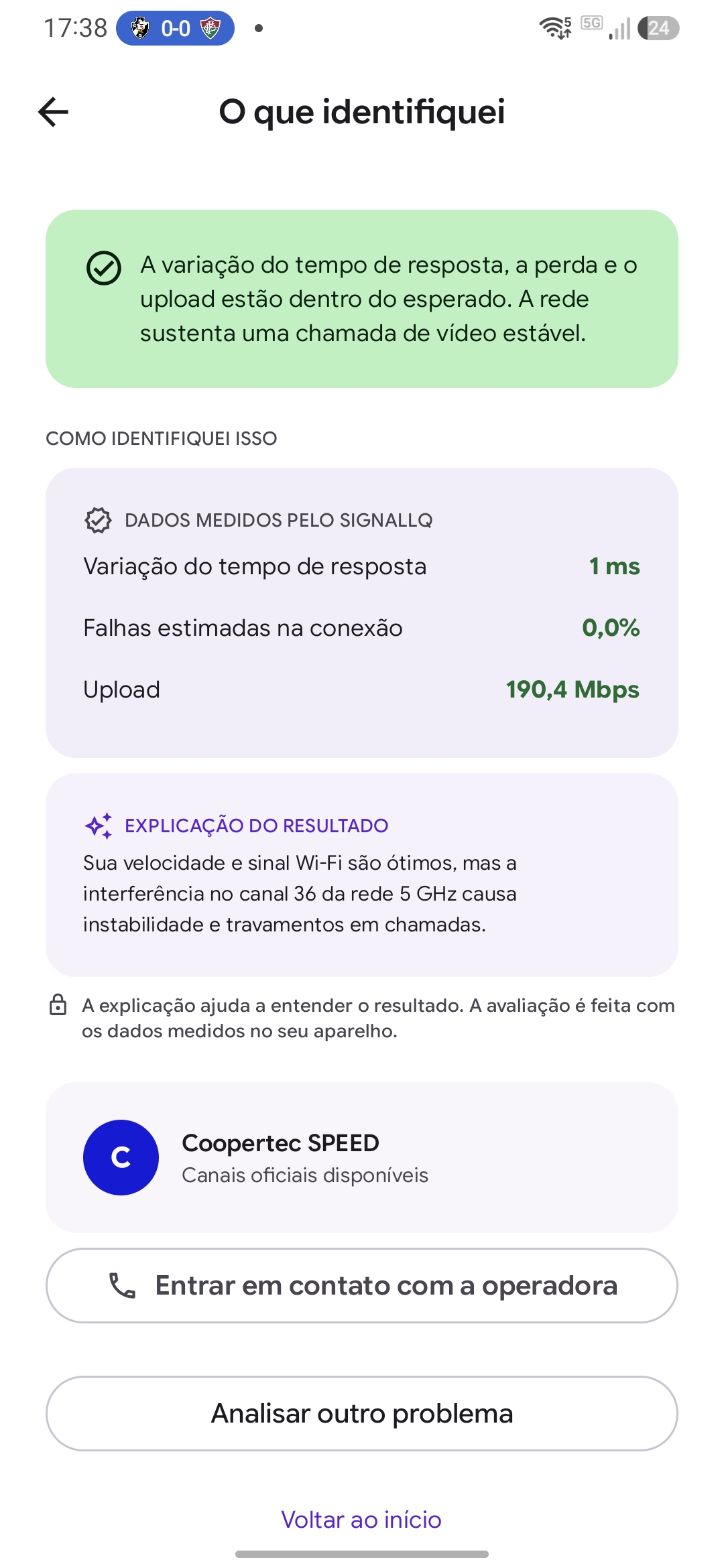
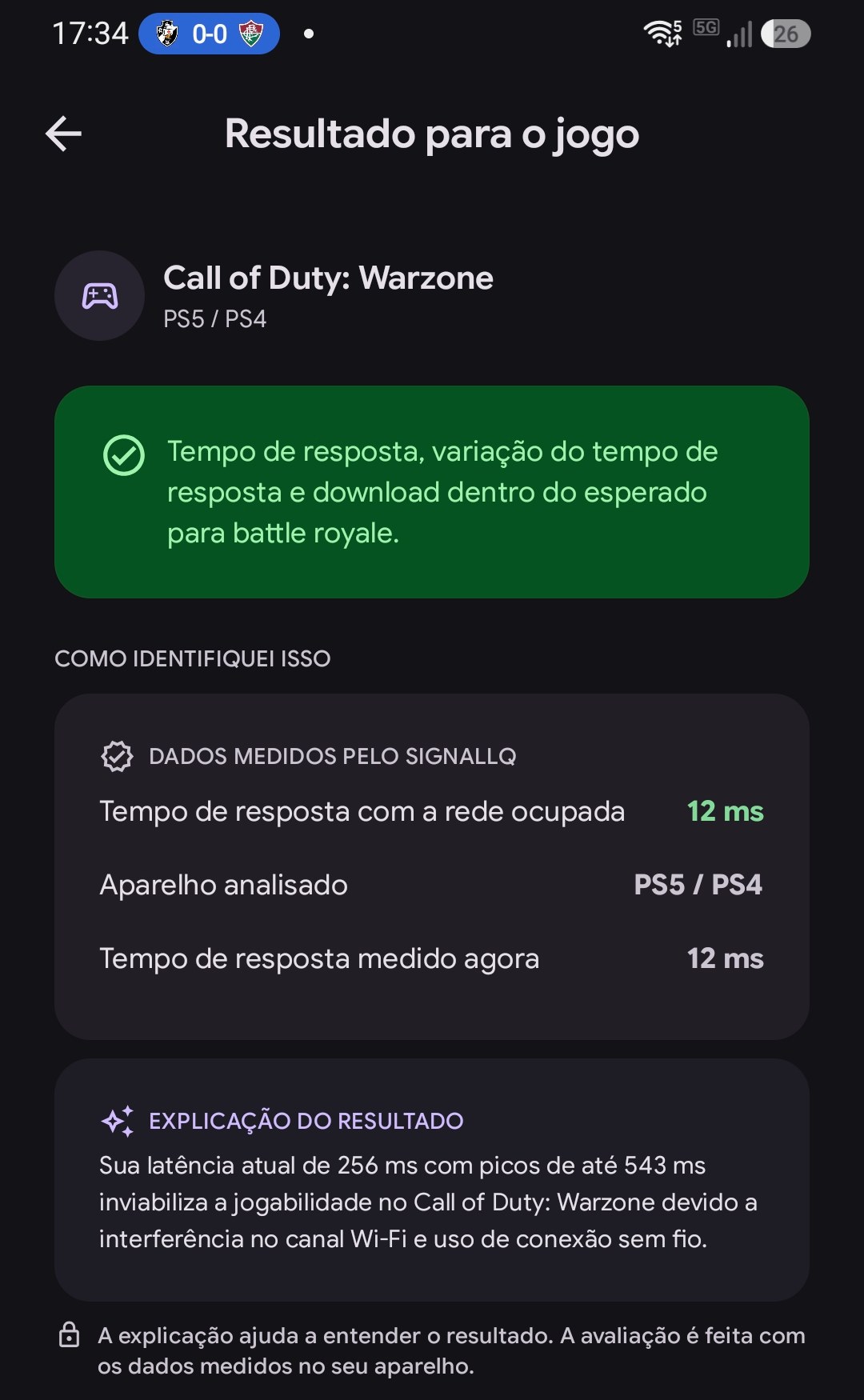
The Android app also analyzes Wi-Fi channels, signal strength, routes, DNS and compatible devices to help identify the cause of interruptions.